Why SD Card & SSD Prices Are Skyrocketing for Photographers in 2026 (And How I Protect My Files)
February 21, 2026

If you’ve tried purchasing SD cards, CFexpress cards, or external SSD drives lately, you’ve probably noticed the price increase. For professional photographers, especially those shooting weddings, branding sessions, and high-volume events, reliable storage isn’t optional — it’s essential to protecting your business.
So what’s causing this?
The rapid growth of artificial intelligence technology is driving demand for the same semiconductor chips used inside SD cards, microSD cards, SSD drives, and flash storage systems. AI companies are purchasing massive amounts of NAND flash memory and controller chips — the core components in the storage devices photographers depend on daily.
When supply tightens and demand surges, prices rise.
Why AI Is Impacting SD Card & SSD Prices
Artificial intelligence systems require enormous data storage infrastructure. Training AI models requires:
- Enterprise-level SSD storage
- High-capacity NAND flash memory
- Advanced semiconductor chips
- Large-scale data center hardware
Manufacturers are prioritizing AI contracts because they’re significantly larger and more profitable. That means fewer chips allocated to consumer and professional photography storage devices.
The result?
- Higher SD card prices
- Increased SSD drive costs
- Limited inventory of high-speed UHS-II and CFexpress cards
- Volatile pricing across flash storage
For wedding photographers and commercial creatives shooting in RAW, dual-card mode, or 4K/6K video, this directly impacts operating expenses.
Why This Matters for Wedding & Event Photographers
As a professional photographer, I rely on:
- High-capacity, high-speed SD cards
- Redundant in-camera backup
- External SSD editing drives
- Long-term physical storage systems
When you’re delivering thousands of high-resolution RAW files from a full wedding day, data security is non-negotiable.
With storage prices rising due to AI-driven chip demand, photographers are seeing:
- Increased cost of goods sold (COGS)
- Higher investment in backup systems
- More expensive equipment replacements
- Greater financial pressure on small creative businesses
That’s why having a structured photography backup workflow is critical.
The Photography Backup System That Works for Me
Here’s the exact workflow I personally use to protect my client images:
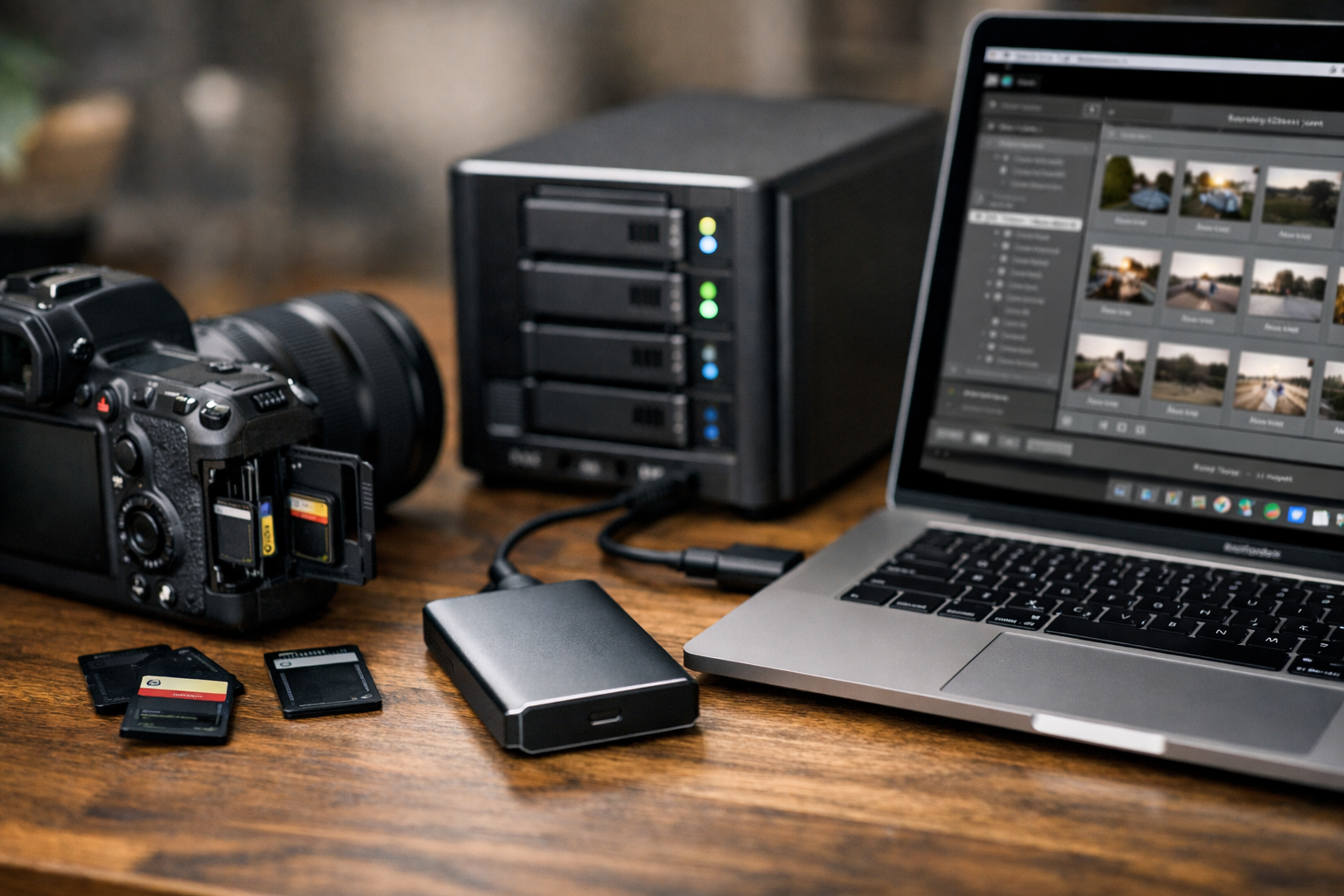
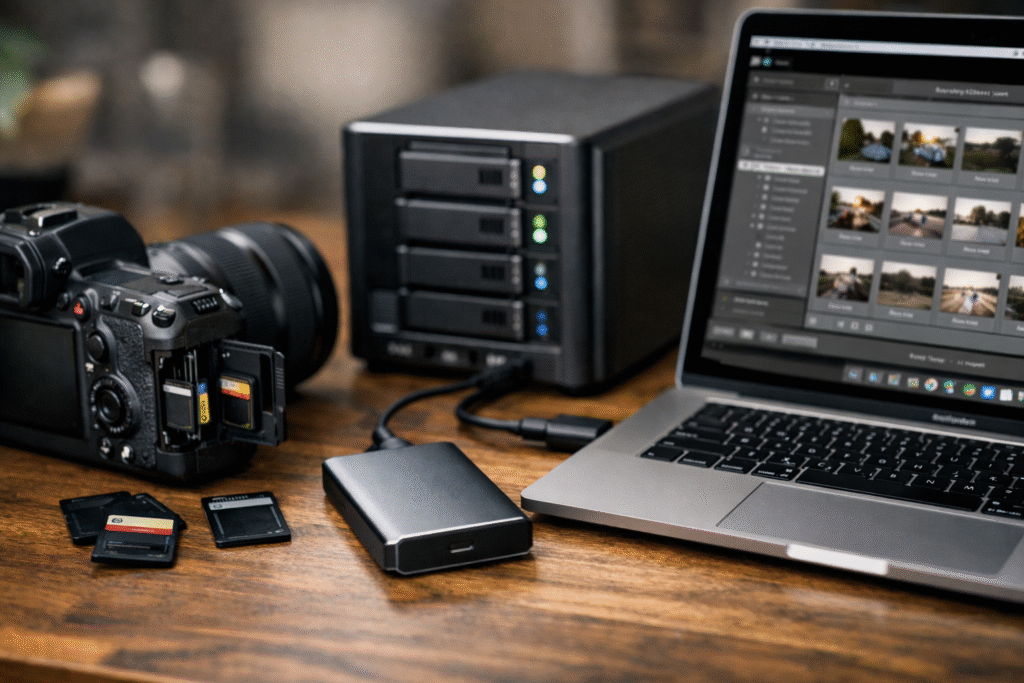
1. I Shoot to Dual Memory Cards In-Camera
I always photograph on dual card slots. This gives me instant redundancy while I’m actively shooting weddings and sessions.
2. I Transfer a Full RAW Copy to My SSD Drive
Once I’m home, I transfer a complete RAW copy to my external SSD. This becomes my active working drive for editing in Lightroom and delivering client galleries.
3. I Back Up Simultaneously to My DAS System
At the same time, I create a second full backup to my DAS (Direct Attached Storage) system. This gives me another physical layer of protection.
4. I Only Format My Memory Cards After Delivery
This part is important.
I do not format my SD cards immediately.
I wait until:
- The gallery has been delivered
- I’ve confirmed everything is uploaded
- I’m certain the files have been backed up twice (SSD + DAS)
Only then do I format my cards in-camera for the next session.
This layered approach protects against:
- Card corruption
- SSD failure
- Accidental deletion
- Hard drive crashes
- Human error
With SD card and SSD prices rising, protecting your existing equipment is just as important as purchasing new storage.
The Storage & Backup Tools I Personally Use
Because I get asked often what I use for:
- Professional SD cards
- High-speed CFexpress cards
- External SSD drives
- DAS storage systems
- Photography backup workflows
I created an Amazon storefront with the exact storage tools and photography backup essentials I trust in my business.
You can check out my curated list here:
👉 Photography Backup & Storage Essentials
These are the products that support my workflow from capture to long-term archive.
What Photographers Should Do Right Now
If rising memory card and SSD prices are affecting your business:
- Monitor pricing before peak wedding season
- Invest in professional-grade cards with warranties
- Implement a 3-2-1 backup strategy
- Avoid formatting cards until files are fully delivered and backed up
- Build storage costs into your pricing structure
Storage isn’t just gear — it’s insurance for your client’s memories.
Final Thoughts: Protecting Your Photography Business in an AI-Driven Market
As AI infrastructure continues expanding, semiconductor demand will likely remain high. That means ongoing volatility in SD card and SSD pricing.
The key for photographers is preparation.
Your camera captures the moment.
Your storage protects it.
And in today’s AI-driven economy, a strong photography backup system isn’t optional — it’s essential to running a sustainable, professional photography business.


